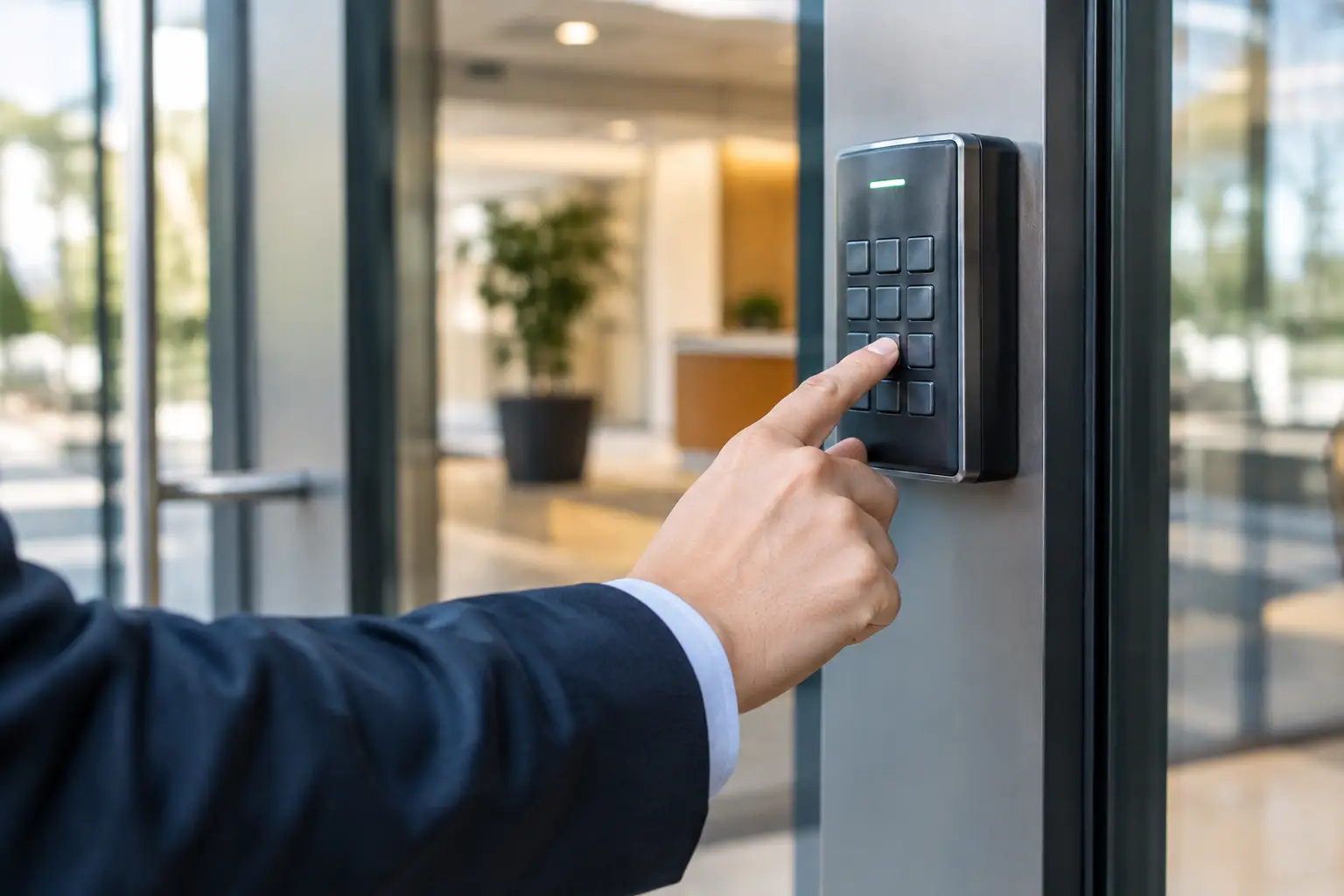
A keypad at a loading dock, service gate, or employee entrance should make access easier, not create a security gap. Commercial keypad programming gives business owners and property managers control over who can enter, when they can enter, and how quickly access can be changed when staffing or tenants change. A keypad that is not programmed correctly can leave employees locked out, allow former workers continued access, or stop a gate or commercial door from operating when you need it most.
For businesses in Gilbert and across the East Valley, the right approach depends on the keypad, the operator it controls, and the way your team uses the property. Some systems use one shared code. Others support individual user codes, timed access, wireless remotes, and connected entry systems. The goal is not to make the system complicated. It is to make it dependable, secure, and easy for the right people to use.
When Commercial Keypad Programming Needs Attention
Programming is not just part of a new installation. It should be reviewed anytime access changes or the keypad starts acting differently than it should. A code may stop working after a power outage, a weak battery, an operator replacement, or an attempted reset. On older systems, worn buttons and moisture exposure can also make a keypad appear to have a programming issue when the hardware itself needs attention.
A prompt update is especially smart after an employee leaves, a tenant moves out, keys or access details are shared too widely, or a contractor finishes a job. Waiting until there is a problem puts your business in a tough spot. Reprogramming access while things are calm is usually faster and more affordable than handling an after-hours lockout or security concern.
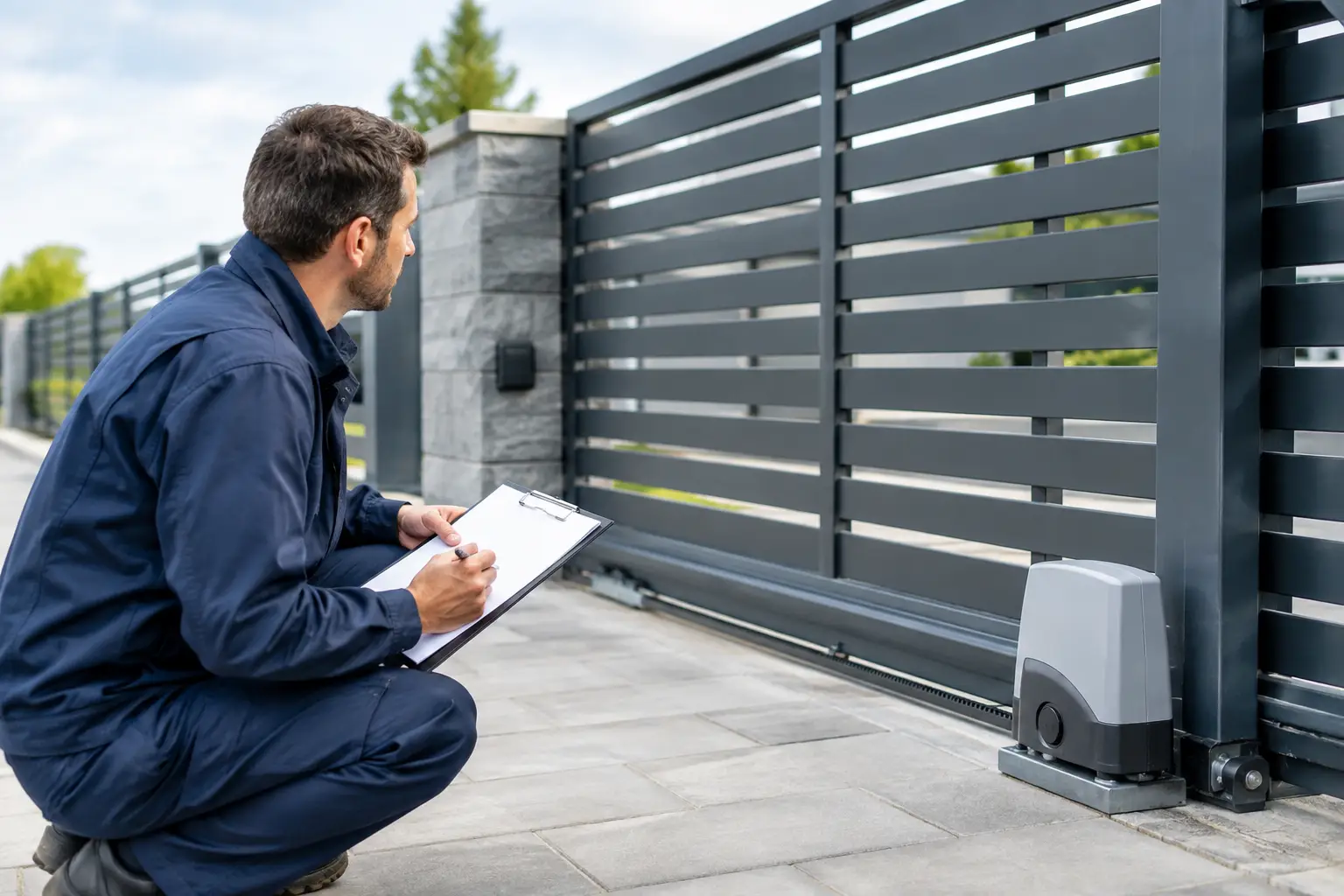
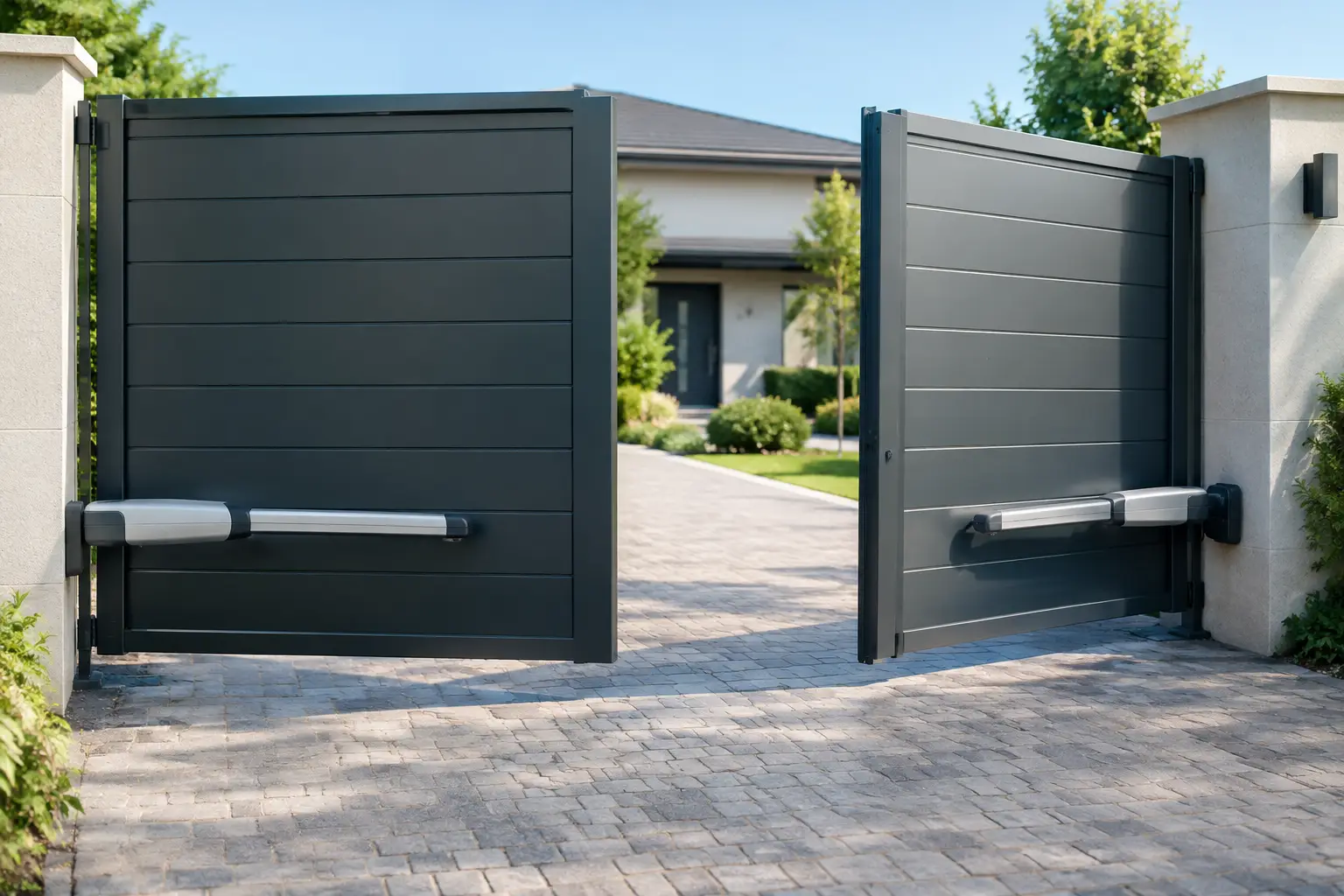
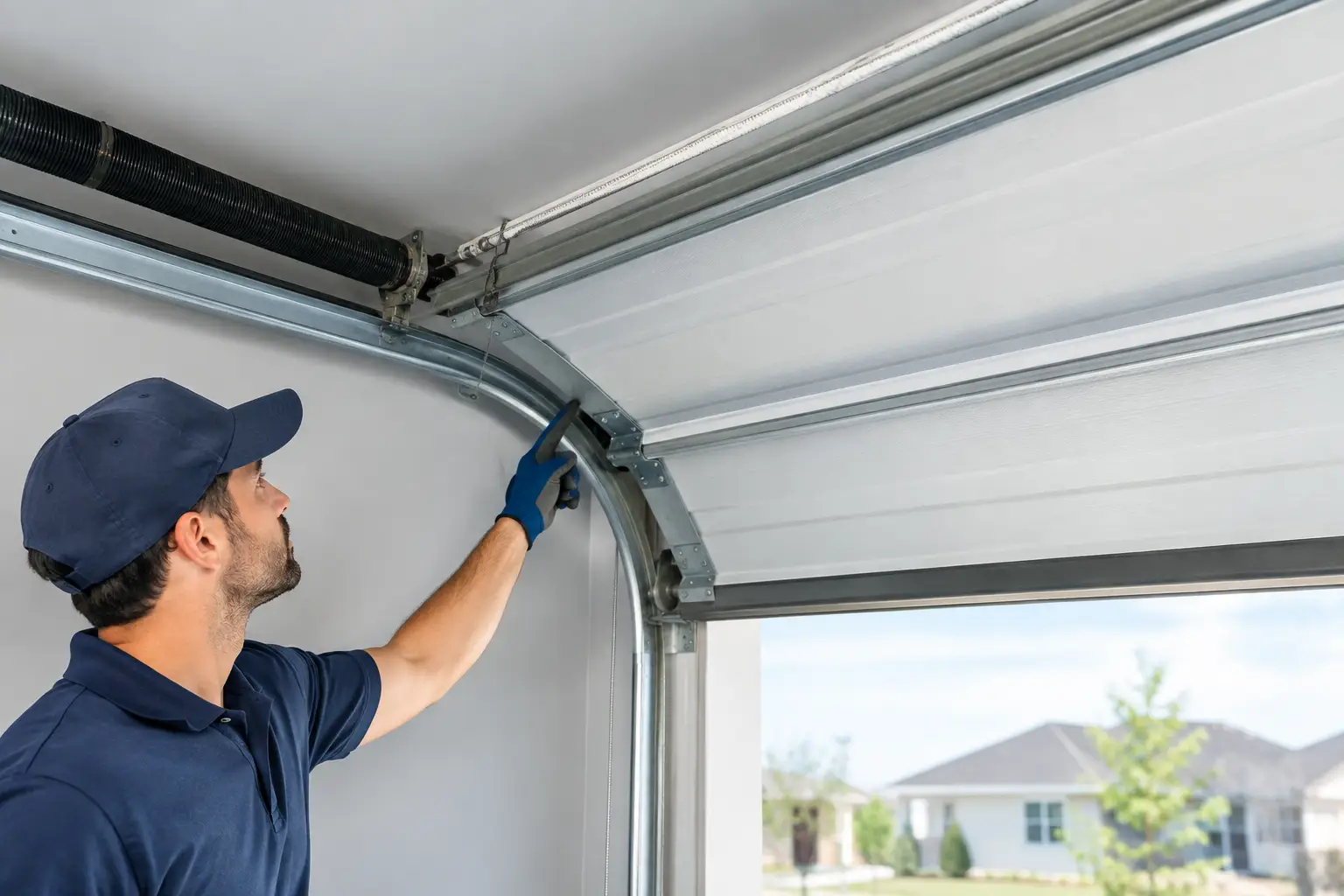
If your operation uses a commercial garage door for deliveries, do not overlook access codes simply because the door is inside a fenced area. Delivery drivers, warehouse staff, cleaning crews, and vendors may all need different levels of access. The same is true for pedestrian gates and vehicle gates at offices, storage properties, medical facilities, and multi-tenant buildings.
Before You Start Commercial Keypad Programming
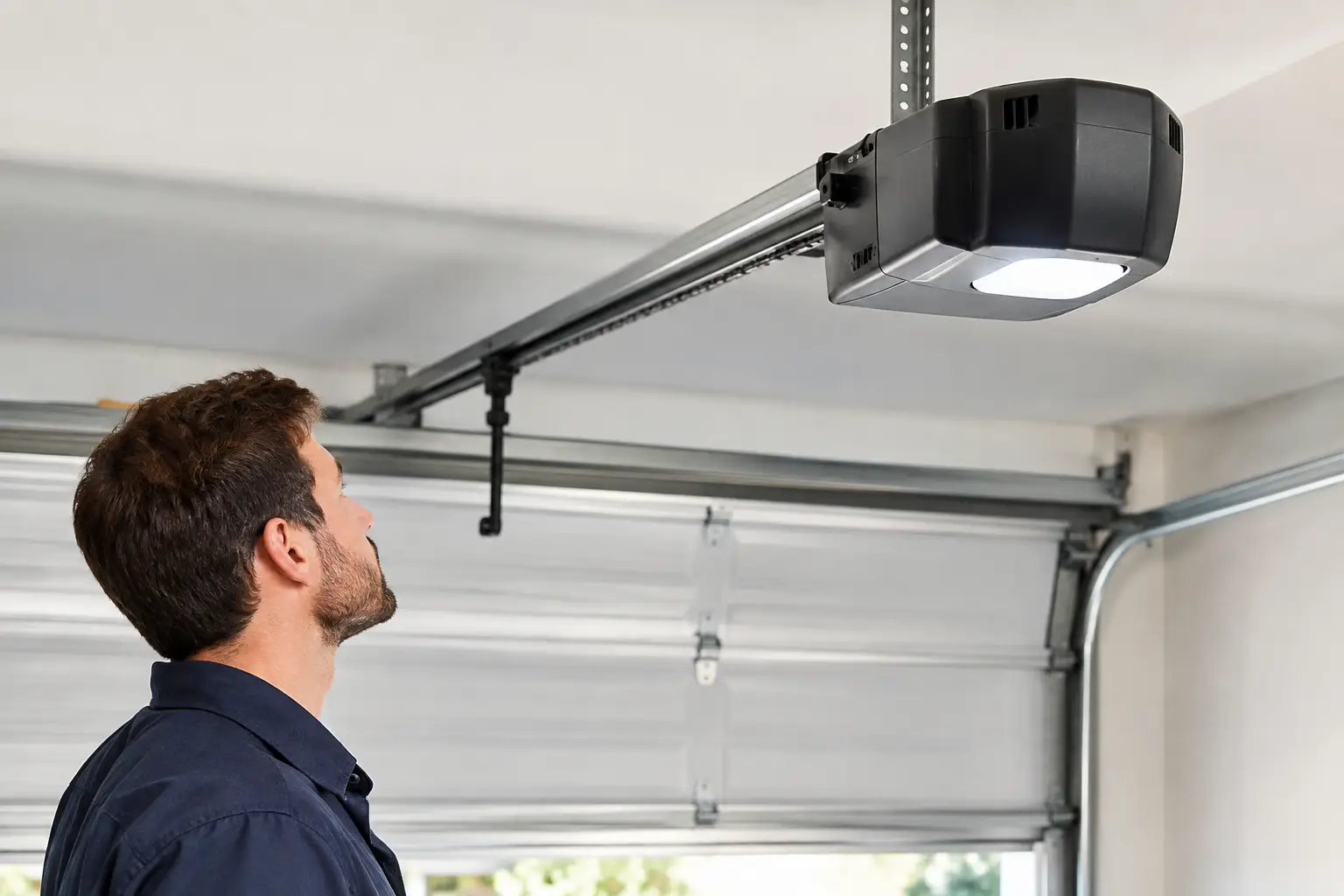
The instructions for a residential garage door keypad are not always appropriate for commercial equipment. Commercial operators and gates can have different control boards, safety devices, wiring arrangements, and access settings. Pressing buttons at random or performing a factory reset can erase working remotes, vehicle loops, timing settings, or other programmed functions.
Before making changes, identify the keypad model and the operator or gate controller it communicates with. Look for a model number on the keypad housing, inside the cover, or on the operator unit. If a property has been renovated or acquired from another owner, verify that the keypad actually controls the door or gate you expect. It is not unusual for a property to have several older keypads still mounted near different entrances.
You should also decide who needs access and how that access will be managed. A single shared code may be acceptable for a small owner-operated business, but it creates a problem when the code has to be changed. Every authorized person must be notified, and the old code may continue circulating. Individual user codes take a little more setup, but they make it much easier to remove access for one person without disrupting everyone else.
Keep these practical details ready before changes are made:
- The keypad and operator model numbers
- A current list of authorized employees, tenants, vendors, or contractors
- A secure record of existing codes, remotes, and administrator credentials
- A time when the entrance can be tested without interrupting deliveries or customer traffic
For systems that control a vehicle gate or commercial overhead door, make sure the travel path is clear before testing. Nobody should stand under a moving door or in the path of a gate while codes, closing timers, or open commands are being checked.
A Safer Way to Set Up Access Codes
Once the equipment and access plan are clear, commercial keypad programming is usually a straightforward process. The exact button sequence varies by manufacturer, so use the correct manual for the equipment rather than relying on a generic online sequence. If the keypad is wireless, start by confirming it has a fresh battery and is within reliable range of the receiver. If it is hardwired, inspect the wiring and connections for damage before assuming the programming failed.
Set the administrator or master credential first, then create user codes according to the system’s instructions. Avoid predictable choices such as the business address, suite number, phone number, or repeating numbers. Those codes are easy to guess, especially when the keypad is mounted in a visible public-facing location.
For a small team, assign a separate code to each employee whenever the system allows it. For a larger property, codes can be grouped by role, such as management, maintenance, delivery, or cleaning. The best choice depends on how much tracking you need. Individual codes provide better accountability. Group codes are simpler to manage when staff turnover is low and access is limited.
After each code is added, test it from outside the normal entry point. Confirm that the code opens the correct gate or door and that the system responds as expected after the user enters. If the operator has an auto-close feature, observe a full cycle from a safe location. A keypad may open a gate correctly but still expose a problem with safety sensors, closing limits, or timing.
Common Problems That Look Like Programming Failures
A keypad that will not operate the entrance is not automatically a programming issue. This is where professional troubleshooting can save time and prevent unnecessary replacement costs.
If the keypad lights up but does nothing after a valid code is entered, the problem could be lost communication with the receiver, a damaged antenna, a failed control board, or an issue with the operator’s lock or vacation setting. If there is no light or response at all, check the battery on wireless units and the power supply or wiring on hardwired keypads.
Intermittent operation can be more frustrating. A code may work from close range but fail several feet away due to signal interference, weak batteries, metal structures, or a receiver that needs service. Arizona heat and sun exposure can also wear out outdoor keypads over time. Cracked housings, sticky keys, faded labels, and water intrusion are signs that repair or replacement may be the better answer.
When a commercial door or gate will not close after keypad use, do not bypass safety devices to get it moving. Photo eyes, edge sensors, vehicle loops, and entrapment protection are there to protect people and property. A trained technician can determine whether the issue is programming, a safety sensor, the operator, or the door and gate hardware itself.
Build a Simple Access Plan That Holds Up
The best security practice is one your business can maintain. Assign one person, or one small management group, responsibility for keeping access records current. Record who has a keypad code, remote, card, or app credential, along with the date access was issued and removed. Store that information securely rather than leaving it in a shared note or on a clipboard near the entrance.
Review access after staffing changes and at regular intervals. Quarterly reviews work well for many small businesses, while properties with frequent vendors or turnover may need monthly checks. If a code has been shared with multiple people and you cannot confidently say who has it, change it.
It also helps to give employees a clear rule: access codes are not to be texted, posted, or shared with friends and family. If a delivery driver or contractor needs temporary entry, provide access only for the needed period when your system supports it. Otherwise, meet them on-site or arrange another supervised access method.
A dependable keypad should support your workflow without leaving your building, equipment, or customers exposed. If your commercial keypad is unreliable, you are taking over a new property, or you need help setting up access for a commercial garage door or gate, Riggs Rescue AZ can inspect the system, explain your options clearly, and help get the right people back in control.